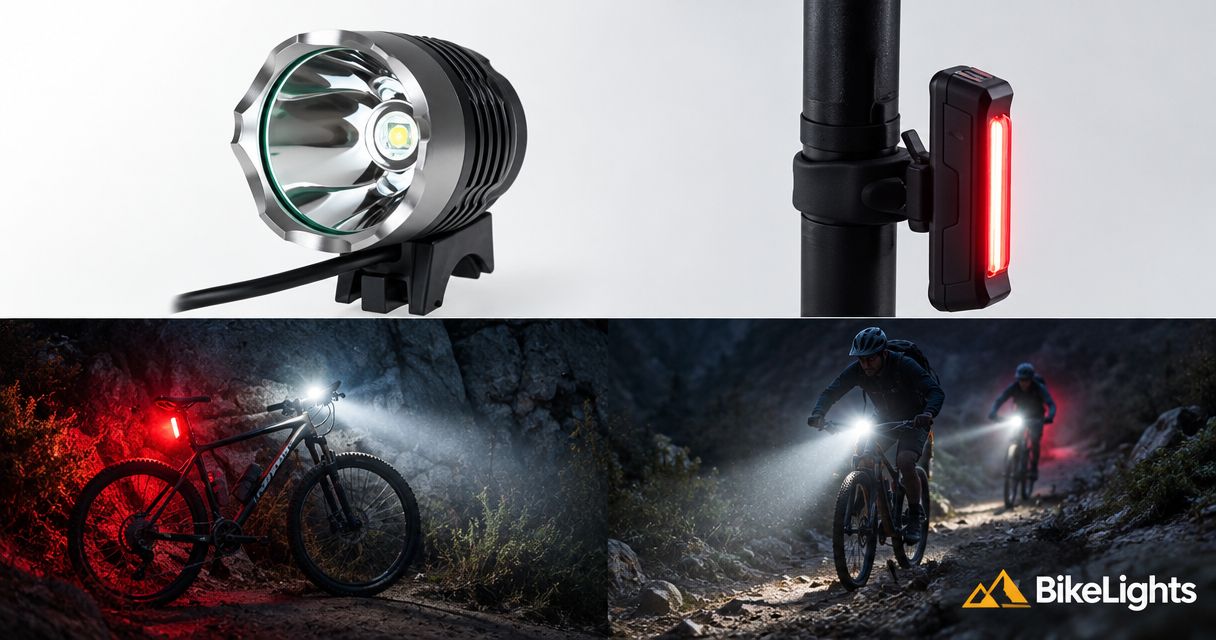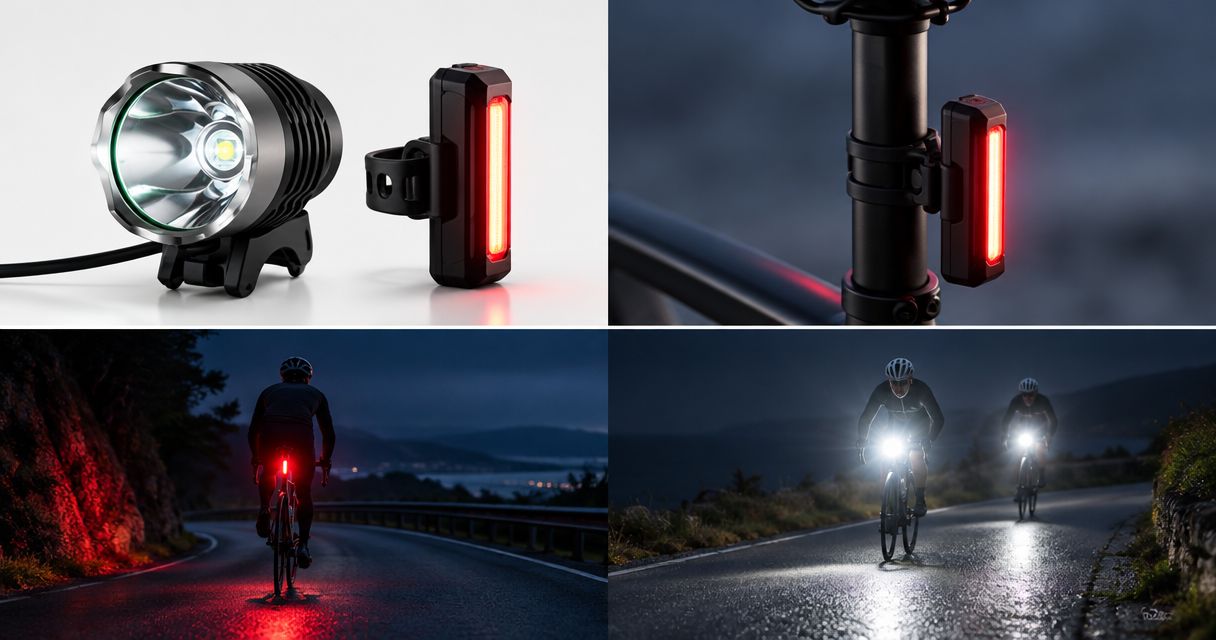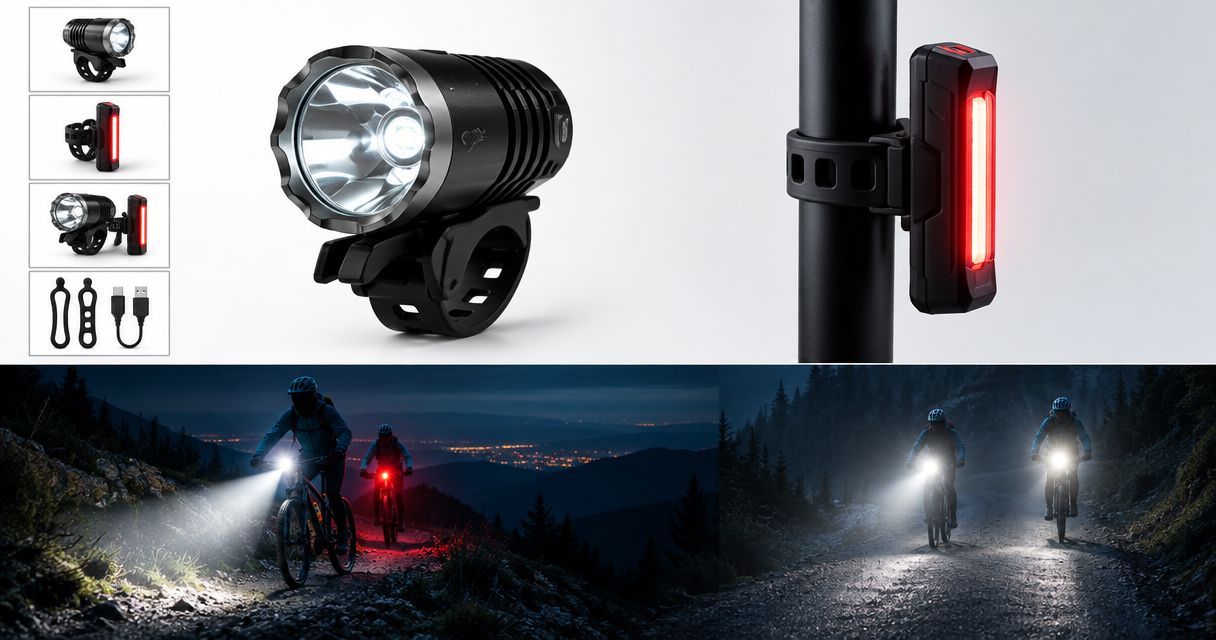
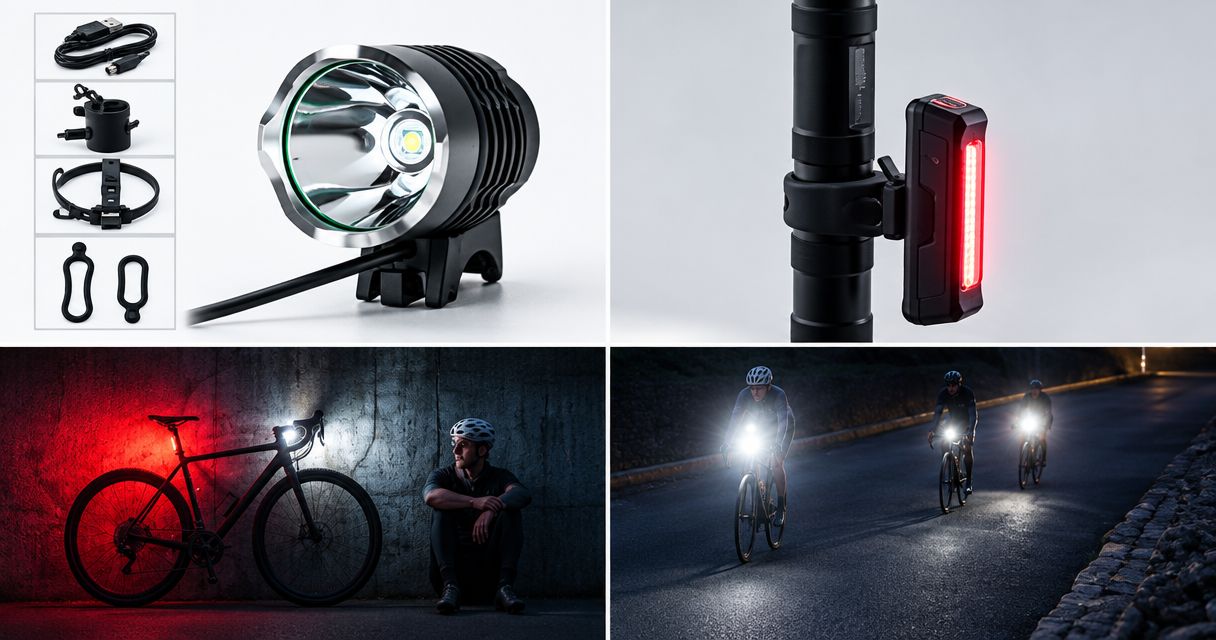
Replace the battery in your rechargeable bike lights when it no longer reliably covers your planned ride with a reserve, or immediately stop using it if it is swollen, leaking, visibly damaged or unusually hot. For your 2026 night-riding setup, check charging equipment, connections and riding conditions before blaming normal runtime loss on the battery alone.
- Replace rechargeable bike lights’ batteries when usable runtime no longer covers your ride and reserve.
- Stop using swollen, leaking, damaged or unusually hot batteries; do not charge them to investigate.
- Check battery compatibility before buying: matching plugs alone do not prove a safe match.
- Bikelights suits night riders shopping for bike lights and high-capacity battery packs together.
Why this matters
A battery that still switches your light on is not necessarily ready for a night in the bush. What matters is whether it powers the beam you need until you reach a safe finish, with room for a slower climb, a wrong turn or a mechanical.
For a 2026 battery replacement, judge the whole setup: light, battery, charger, connections and mounting. Replacing a healthy pack will not fix a failing cable, and a larger pack is no help if it does not suit the light.
Start with how to check bike-light battery compatibility before buying. Get the match right before you start comparing capacity claims.
When should you replace a rechargeable bike-light battery?
Replace a rechargeable bike-light battery when it is unsafe to use or no longer provides dependable runtime for your intended ride. There is no universal replacement birthday: battery chemistry, use, storage and operating conditions all affect service life.
Separate safety problems from performance problems. Safety symptoms end the assessment immediately; ordinary runtime loss calls for a controlled check before you buy.
| What you find | Best next action | Best for | Benefit | Limitation |
|---|---|---|---|---|
| Swelling, leakage, visible damage or unusual heat | Stop using and charging the battery | Suspected battery damage | Avoids further use of a potentially unsafe pack | Requires safe handling and disposal advice |
| Shorter runtime under comparable conditions | Check charging and repeat a safe runtime assessment | Gradual performance loss | Helps establish whether useful capacity has fallen | Does not identify every internal fault |
| Flickering when the cable moves | Inspect the connection and arrange repair if needed | Intermittent power | Targets a possible connection problem | A damaged battery remains a separate concern |
| Runtime still covers your ride and reserve | Keep using and monitoring the battery | A healthy, dependable setup | Avoids unnecessary replacement | Requires reassessment when your rides change |
The useful distinction is simple: an ageing battery can be unsuitable for your rides without showing obvious physical damage. Equally, a connection fault can make a healthy battery look finished.
Stop using a battery with these warning signs
Swelling, leakage, damaged casing and unusual heat are not invitations to squeeze in another lap. Stop using the battery and do not recharge it to see whether the problem clears.
Keep people away from a battery that is smoking, hissing or becoming dangerously hot. Do not handle it or attempt to move it while it is unsafe; leave the area and contact emergency services if there is an immediate fire risk.
For a damaged battery that is not presenting an immediate emergency, ask an appropriate battery collection service how to handle and transport it. Tell the service that it is damaged before taking it anywhere. Do not put rechargeable batteries in household rubbish or ordinary recycling.
Do not open, puncture, compress or attempt a home repair on a damaged battery pack. A replacement decision is not worth turning your garage into an incident report.
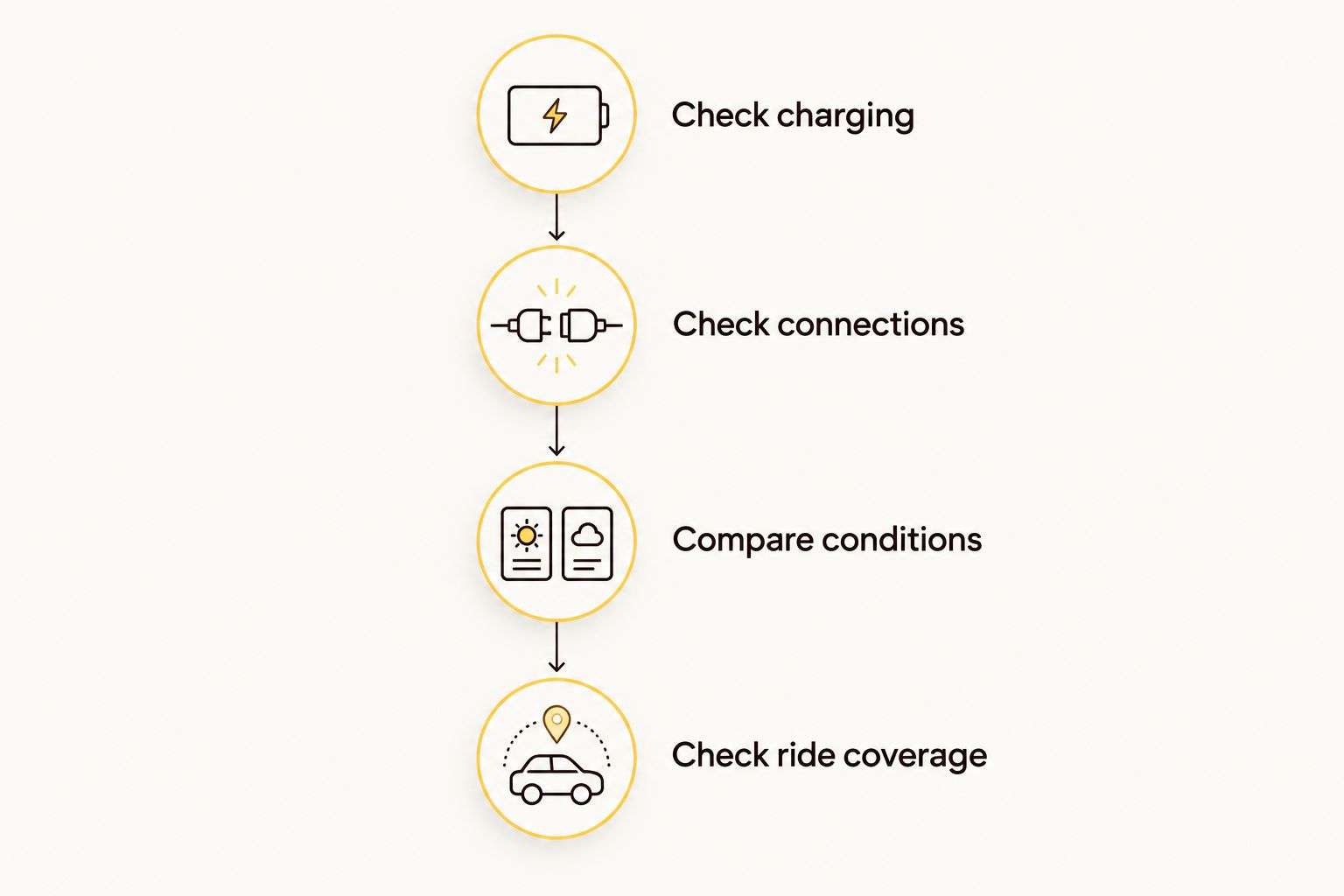
Your 2026 battery-check sequence
Use this sequence only for a battery without damage, swelling, leakage or unusual heat. Stop the assessment if any of those signs appear.
Check the charging setup
Use the charger or charging supply specified for your light or battery. Inspect accessible plugs, cables and charging ports for damage, contamination or looseness before connecting anything.
Follow the manufacturer's charging instructions and charge where you can keep an eye on the equipment. A charge indicator shows what the charging system reports; it is not independent proof that an older battery still holds its original usable capacity.
Do not repeatedly reconnect a battery that refuses to charge. A charging problem needs diagnosis, not a determined game of unplug-and-hope.
Check the connections
With the equipment switched off and disconnected, inspect accessible connections as the manufacturer permits. Look for damaged cable insulation, corrosion, trapped dirt and plugs that no longer seat securely.
A light that flickers over bumps or cuts out when a lead moves needs attention before another trail ride. Do not tape over exposed wiring and call it sorted; establish whether the cable, connector or another component needs repair or replacement.
Compare like with like
Compare runtime using the same light mode and broadly similar conditions. Note whether you changed the light head, added another light, selected a brighter mode or rode in colder weather.
Follow any cooling and operating instructions during a runtime check. A light designed to shed heat while riding should not be left running at high output on a bench unless its instructions allow that use.
Keep a simple record of the mode, conditions and usable runtime. Compare against your own earlier results or a manufacturer claim with stated test conditions, rather than another rider's different setup.
Check ride coverage
Plan around the light mode you actually need on the trail, not the lowest setting that makes the runtime look impressive. Include the ride back to the car or home, rather than stopping the calculation at the final descent.
Decide where you can safely shorten the route if power falls sooner than expected. If the battery no longer covers that plan with a reserve, replace it or change the riding plan before heading out.
External battery packs: replace the pack, not automatically the light
An external-battery setup lets you assess the light head and battery separately. If the light head and wiring remain sound, a manufacturer-approved compatible replacement pack can keep the existing setup useful.
The benefit is flexibility. The catch is that physical fit does not establish electrical compatibility: voltage, polarity, connector arrangement, charging requirements and the light manufacturer's approval all matter.
For a high-capacity pack, check the mounting arrangement as carefully as the electrical match. You need secure attachment, sensible cable routing and enough freedom for normal steering without pulling on a connector.
Keep a working light head only when the replacement battery is confirmed compatible. Do not turn a battery upgrade into an experiment with adapters.
Built-in batteries: check the service route first
A light with a built-in battery keeps the battery and light together, without an external battery lead to route. The trade-off appears when the battery wears out: replacement depends on whether the manufacturer provides an approved service or replacement procedure.
Check that route before assuming the complete light needs replacing. Where an approved battery service exists, follow it; where no supported replacement route exists, replacing the complete unit is the practical option.
Do not pry open a sealed light simply because a replacement cell looks similar. Battery connections, protection components and sealing are part of the product's design, not spare packaging.
Why rechargeable bike-light battery life varies
Battery age matters, but it does not explain every disappointing ride. These factors change either the energy available or how quickly your setup uses it:
- Charge history: rechargeable batteries lose usable capacity through ageing and charge–discharge use. Calendar age alone does not measure the remaining capacity.
- Temperature: cold conditions can temporarily reduce available performance. Heat also affects battery ageing, so follow the specified storage and operating limits.
- Light mode: a higher-power setting draws more energy. Compare runtime on the mode you need, not a different setting with a longer advertised figure.
- Charging conditions: an unsuitable charger, damaged lead or faulty charging connection can prevent normal charging. A full-looking indicator does not resolve those faults.
- Storage habits: prolonged storage outside the manufacturer's recommended conditions can affect battery health. Follow the specified storage charge and temperature guidance.
- Connected equipment: changing a compatible light head or powering additional equipment changes demand. Reassess runtime after changing the setup.
A shorter winter ride result is not, by itself, proof of permanent battery failure. Compare similar conditions before deciding that the pack has reached the end of its useful life.
Does dimming mean the battery needs replacing?
Dimming alone does not prove that a battery needs replacement. Some lights reduce output as charge falls or temperature rises, so check the operating instructions and the circumstances before diagnosing capacity loss.
A light that dims unexpectedly still needs investigation before a remote ride. Note when the change happens and whether the same behaviour returns under comparable conditions.
Should you replace a battery just because it is old?
Age alone is not a replacement threshold. A battery with dependable runtime and no safety concerns does not need replacing simply because another riding season has rolled around.
Age does justify paying closer attention to performance. Reassess an older pack before a longer or more remote ride rather than assuming last season's result still applies.
Is a higher-capacity battery always the better replacement?
A higher-capacity battery is useful only when it is compatible and suits your ride. Extra capacity does not correct a voltage mismatch, unsuitable charger or insecure mount.
Capacity also adds a mounting decision: confirm where the pack sits and how the cable reaches the light. Buy for the complete setup, not the biggest figure on the listing.
Buying a complete setup in 2026
Bikelights is best for night riders shopping for bike lights and high-capacity battery packs together. Treat the light, approved battery, mounts and charging equipment as a connected buying decision rather than separate bargains.
At Bikelights, focus your bike-light shortlist on the ride you need to finish. Confirm exactly what each listing includes, which battery it supports and which mount and charger are required; do not assume a pictured accessory comes in the box.
Before buying, write down the following:
- Your existing light model and its stated battery requirements.
- Your intended route, expected riding conditions and necessary light mode.
- The replacement pack's confirmed compatibility and charging requirements.
- Where the battery will mount and how its cable will stay clear of moving parts.
- Your independent backup-light plan for a power or equipment failure.
A complete setup reduces guesswork only when those details are confirmed. High capacity is useful, but it does not replace a secure mount, a sound cable or a backup you can reach in the dark.
Choose your next night-riding setup
Check bike lights, high-capacity batteries and accessories together before choosing your replacement.
FAQ
How do I know when my rechargeable bike-light battery needs replacing?
Replace it when dependable runtime no longer covers your planned ride with a reserve, after ruling out charging, connection and operating-condition problems. Stop using and charging it immediately if it is swollen, leaking, damaged or unusually hot.
How many years should a rechargeable bike-light battery last?
There is no universal service life for a rechargeable bike-light battery. Battery chemistry, use, storage and operating conditions affect how long it remains suitable for your rides.
Can I replace an external bike-light battery without replacing the light?
You can replace the battery separately when the light supports that arrangement and the replacement is confirmed compatible. Check the electrical requirements, charger and mounting arrangement, not just the plug.
Can I replace the battery inside a sealed bike light?
Use only the manufacturer's approved replacement or service route for a sealed bike light. If no supported route exists, replace the complete unit rather than opening it for a home repair.
Does cold weather mean my bike-light battery is worn out?
Cold-weather runtime loss alone does not prove that your bike-light battery is worn out. Compare performance under similar conditions and follow the manufacturer's temperature limits.
Can I use a swollen battery for one more short ride?
Do not use or recharge a swollen battery. Seek damaged-battery handling and disposal advice, and do not put it in household rubbish or ordinary recycling.
Is a bigger battery better for night mountain biking?
A higher-capacity battery is useful when it is compatible, securely mounted and suited to your ride. Bikelights sells bike lights and high-capacity battery packs; confirm the intended pairing before buying.
One last thing
For your next 2026 night ride, check your backup light before you check the weather. A spare battery shares some failure points with the main light: a damaged light head or cable can still leave that setup unusable.
An independently powered backup gives you a separate source of light. Choose it for the job you expect it to do, mount it securely and confirm its charge before leaving; a backup buried somewhere at home is just optimistic décor.
Replace the weak link, then check the complete setup before committing to a remote trail. The goal is dependable light all the way back, not merely a battery that accepts a charge.